


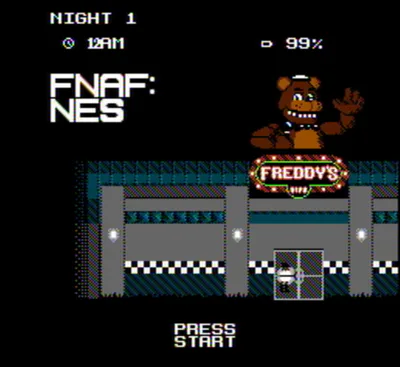






About FNAF Shooter: Animatronics Attack
Animatronics Attack sends you through a pizzeria to find and defeat hostile robots. The weapon fires automatically when you aim at a target, so your main jobs are moving, finding a clear line of sight and keeping enemies in view. Every fifth stage introduces a larger boss encounter.
Aim and Search the Pizzeria
Move with WASD and use the mouse to look toward an animatronic. Once the target is aligned, the weapon fires without a separate trigger press. Adjust your position when furniture or a doorway obstructs the view rather than repeatedly clicking to shoot.
Clear the visible threats, then inspect the remaining rooms and entrances. A hidden enemy can be easy to overlook when the immediate group is gone, so make a deliberate circuit of the pizzeria before assuming the stage is complete.
Prepare for Boss Stages
The fifth stage and each subsequent fifth stage bring a boss robot. Keep enough space to follow the target with your aim and watch the route around the arena. Defeating the boss awards resources that can open access to stronger weapons for later rounds.
Between encounters, think about where you lost sight of a target or allowed a robot to get too close. Better positioning gives the automatic weapon a clear shot and leaves you more time to react to another approach.
Controls
| Input | Action |
|---|---|
| WASD | Move |
| Mouse | Look and aim |
| Tab | Menu |
Practical Tips
- Keep the target in a clear line of sight; the weapon fires automatically.
- Check side rooms after clearing the group in front of you.
- Expect a boss on every fifth stage and leave room to reposition.
Frequently Asked Questions
Which button fires the weapon?
No trigger press is required. Aim at an enemy and the weapon fires automatically.