

About UCN - Ultimate Custom Night
A large mixed roster makes UCN an exercise in matching each warning to a different response. System shortcuts can help, but their value depends on knowing the selected character rules. A fast incorrect input can be worse than a deliberate correct one.
How to Play UCN - Ultimate Custom Night
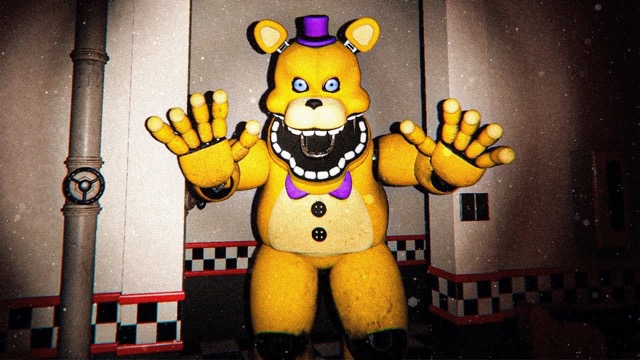
Select a small roster and read its character descriptions before increasing difficulty. For example, shine the flashlight on Nightmare Freddy’s Freddles to clear them, but avoid shining it on Nightmare Balloon Boy while he is sitting down. Those rules conflict, so identify the figure before pressing Z. Use the monitor and system shortcuts to manage the other threats enabled in your setup, then restore the background systems after an interruption.
Building a Custom Night
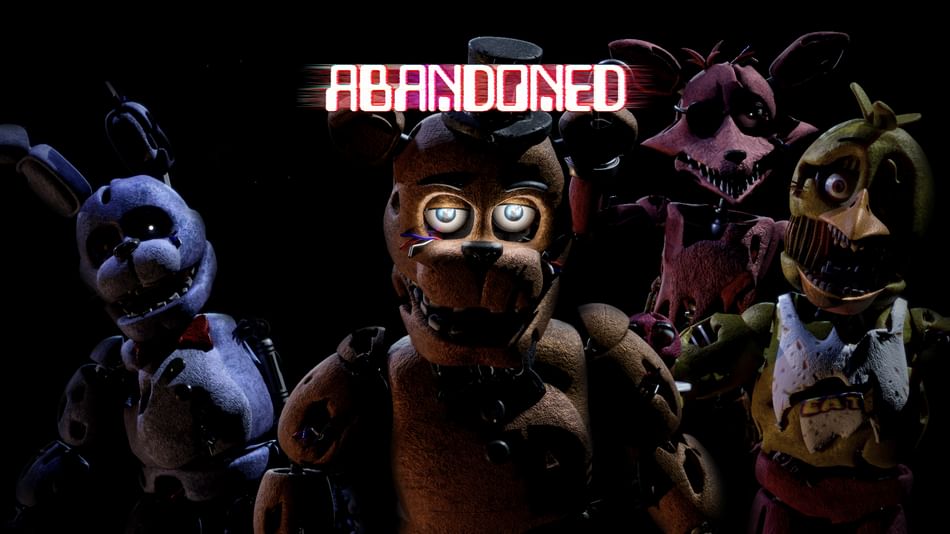
Ultimate Custom Night lets you choose the animatronics in a run and set their difficulty. Start with a few characters whose instructions you have read, then add another once you can recognize the earlier warnings. A themed challenge gives you a prepared combination to learn rather than asking you to design one from scratch.
The office has more than one route to defend, including doors, vents and air hoses. A camera check should answer a specific question about an active character; the next decision is which response that character needs. Keeping the same response for every visitor will not work, because their rules can conflict.
Understanding the Office Systems
The generator, ventilation, heater, air conditioner and global music box are separate controls. Choose a system for the problem in front of you instead of cycling through every shortcut. A setup that includes a music-box threat asks for a different routine from one focused on another route into the office.
When learning a combination, note which interruption caused a loss and adjust that part of the routine on the next attempt. This makes a small roster useful practice before moving to a more demanding selection.
Controls
| Input | Action |
|---|---|
| 1 | Generator |
| 2 | Ventilation |
| 3 | Heater |
| 4 | Air conditioner |
| 5 | Global music box |
| 6 | Shut systems down |
| S | Monitor |
| Z | Flashlight |
Practical Tips
- Learn the shortcuts for the current setup before enabling several unfamiliar characters.
- Group checks by the threats actually active, avoiding time spent defending against a disabled visitor.
Frequently Asked Questions
Do the numbered system controls all do the same thing?
No. They operate different systems, including the generator, ventilation, heater, cooling and music box. Choose the system required by the current condition.