

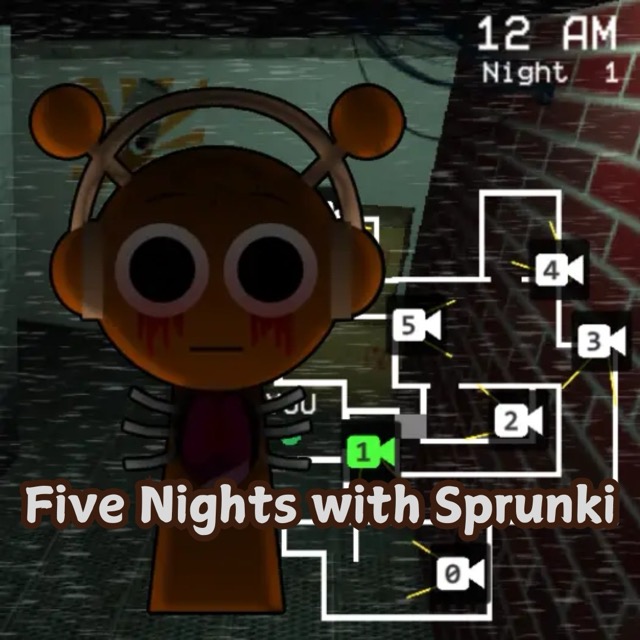

About 5 Nights with Flumpty
Flumpty Bumpty and Blam are hunting while you spend five nights in a guarded room. Your tablet shows their movement through security cameras, while the doorway light and door give you a way to inspect and block a close visitor. The same shift also demands attention to the tablet's limited battery.
Follow the Camera Feeds
Use the tablet to find Flumpty and Blam and follow their approaches. A camera check helps you prepare for a doorway visit before a character reaches the room. When one comes close, turn on the light and inspect the relevant door.
If a visitor is at the entrance, close the door. Wait a few seconds and reassess before reopening it. Once the close encounter is handled, return to the cameras and check the other pursuer instead of focusing only on the character you just blocked.
Conserve Power Through the Shift
Each night runs from midnight to 6 a.m. The tablet needs battery power, so leaving a door closed without an immediate reason can leave you short of resources later. Open a clear door after checking that the visitor has gone and keep the battery reserve in view.
Learn the locations of the camera and doorway controls early. That lets you spend less time searching for the next interaction when both monsters are moving.
Controls
| Input | Action |
|---|---|
| Mouse | Operate the tablet and room controls |
Practical Tips
- Use the camera to identify an approach before checking the door light.
- Reopen a clear entrance after the close encounter.
- Return to the other pursuer's feed after handling the first visitor.
Frequently Asked Questions
Why not leave the door closed all night?
Door use drains the battery needed for the tablet and your defences. Close it for a close visitor, then reassess.