


Five Nights at Freddy's 3 Remaster Overview
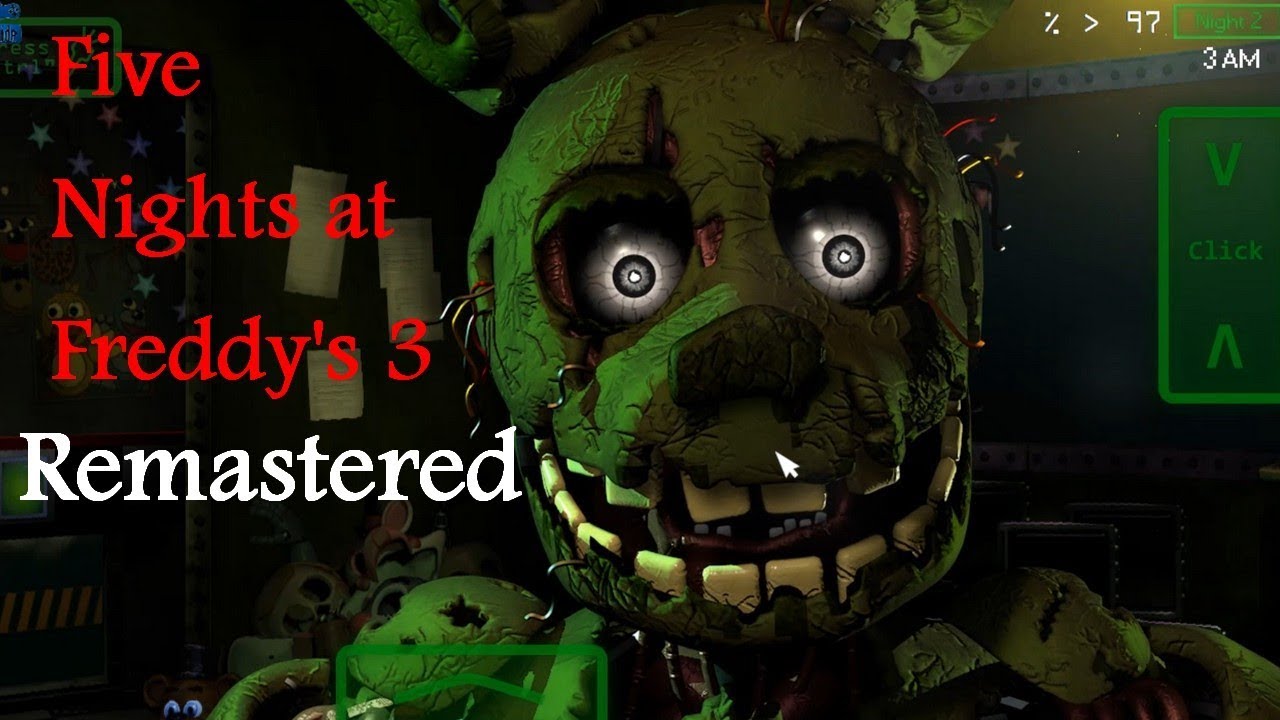
Thirty years on, the story of Freddy Fazbear's Pizza had become myth — the kind of thing people whispered about without fully believing. Someone decided that myth was worth money. Fazbear's Fright opened as a horror attraction built on those rumors, decorated with salvaged props from the original location. It was supposed to be theater. Then they found Springtrap, and the theater became something real.
Five Nights at Freddy's 3 Remaster returns to this chapter — the stripped-down, psychologically focused entry that reduced the animatronic threat to a single predator and replaced the anxiety of tracking multiple characters with the sustained dread of knowing exactly where the danger is and watching it get closer. Springtrap is the only threat that can kill you. The Phantoms cannot — but they will break your systems, damage your ventilation, and create the conditions Springtrap needs to reach your office while your attention is divided between repairs and tracking.
The Remaster sharpens what the original already did well. Visuals are cleaner and more atmospheric, with lighting that makes the attraction feel more genuinely threatening. Sound effects are more unsettling in ways that serve the game's psychological horror rather than simply increasing volume. New narrative details have been added that expand on the dark history behind the attraction and Springtrap's origins, giving players who know the series additional context and players new to this entry a richer starting point. The mechanics remain exactly as they were — still the most strategically distinct entry in the franchise, and still one of the most effective at generating the specific horror of being alone in a building with something that is always moving toward you.
Key Details
- Genre: Survival Horror / Systems Management
- Difficulty Level: Hard (multi-system management under sustained psychological pressure)
- Average Play Time: 15–25 minutes per night attempt
- Best For: Series veterans seeking the most strategically focused FNaF experience, and players drawn to psychological horror with systems management depth
How to Play Five Nights at Freddy's 3 Remaster
Getting Started
1. Open the camera system at the start of your shift and locate Springtrap — know where he is before he starts moving. 2. Use the Audio Lure system to direct Springtrap away from your office — select a room on the camera grid and play sounds to draw him toward that location. 3. Monitor all three systems (Camera, Audio, Ventilation) and watch for Phantom-triggered failures on the maintenance panel. 4. Reboot any failed system immediately through the maintenance panel — prioritize Ventilation first, as its failure triggers hallucinations that cascade into further system crashes. 5. Survive from 12:00 AM to 6:00 AM each night.
Basic Controls
- Mouse: Navigate the camera grid, select rooms for audio lures, and operate the maintenance panel
- Camera Monitor: Toggle open to track Springtrap's position across the attraction
- Audio Lure: Select a room on the camera view and activate the sound to direct Springtrap toward that location
- Maintenance Panel: Click to reboot Camera, Audio, or Ventilation systems after Phantom-triggered failures
- Vent Sealing: Close vent access points when Springtrap is detected in the ventilation system
Objective: Keep Springtrap away from your office through consistent audio luring and camera tracking, while maintaining all three systems against Phantom sabotage. Survive until 6:00 AM.
Five Nights at Freddy's 3 Remaster Features & Highlights
- Remastered visuals and atmosphere — sharper lighting, more atmospheric environments, and cleaner presentation that enhance the original's psychological horror without altering its identity
- Single-predator design — Springtrap as the sole lethal threat creates sustained, focused dread distinct from multi-animatronic entries
- Audio Lure system — actively directing Springtrap's movement through sound is the most creative survival mechanic in the series
- Three-system management under Phantom pressure — simultaneous maintenance of Camera, Audio, and Ventilation against cascading failures creates genuine multi-tasking challenge
- Expanded narrative details — new story content in the Remaster adds depth to the attraction's history and Springtrap's origins for both new players and series veterans
Five Nights at Freddy's 3 Remaster Tips & Strategies
Beginner Tips
- Lure Springtrap to Camera 10 (the far end of the attraction) whenever he approaches your office — this creates the maximum possible distance before he resumes advancing and gives you the longest window to manage system failures and reposition.
- Reboot Ventilation first whenever the maintenance panel lights up. Lost ventilation triggers hallucinations that cause cascading Camera and Audio failures — restoring it immediately prevents a single system failure from becoming three simultaneous crises.
- Watch Cameras 14 and 15 (the vent access cameras). Once Springtrap enters the ventilation system directly, audio lures become ineffective and his arrival at your office becomes imminent — catching him at the vent entrance gives you a final opportunity to seal access before he's beyond reach.
Advanced Strategies
- Learn to read Springtrap's movement hesitation. He briefly pauses before committing to a new room — using that pause to queue an audio lure in an adjacent room can redirect him before he fully transitions, buying more distance than luring from his current position.
- Develop fast reboot sequences for the maintenance panel. On later nights, multiple systems fail simultaneously and seconds of hesitation cost Springtrap meaningful ground. Knowing the panel layout well enough to reboot without deliberate thought saves critical time.
- Vary your audio lure destinations. Springtrap develops resistance to repeated lures at the same location — if you consistently redirect him to the same room, he begins to ignore it. Rotate between multiple distant locations to maintain lure effectiveness across the full night.
What to Watch Out For
- Never lose track of Springtrap on the camera grid. If you don't know where he is, you cannot lure effectively — and finding him again while he's mid-advance costs the time you needed to redirect him before he entered a dangerous position. Continuous tracking matters more than perfect system uptime.
- Don't allow Phantom encounters to pull your full attention away from Springtrap. Phantom jumpscares are startling by design and create a strong instinct to focus on what just appeared. The relevant response — rebooting the system that just failed — should be immediate and automatic, leaving your attention available to return to tracking Springtrap within seconds.
Five Nights at Freddy's 3 Remaster Elements Explained
Springtrap's Behavior: Unlike the multi-animatronic casts of other FNaF entries, Springtrap is the singular lethal threat of FNaF 3. He navigates the attraction methodically, moving room by room toward your office and pausing to investigate audio lures along the way. He cannot be permanently deterred — only redirected. Audio lures draw him toward sound sources in specific rooms, buying time before he resumes advancing. He becomes resistant to repeated lures at the same location over time, requiring rotation between destinations. When Springtrap enters the vent system, audio lures become ineffective and his approach to the office is imminent. The Remaster's enhanced audio design makes Springtrap's movement through the attraction more audibly present, giving experienced players additional sound-based information about his position that supplements the camera system.
The Audio Lure System: The most distinctive mechanic in the FNaF series, the audio lure allows you to play sounds from speakers in specific rooms of Fazbear's Fright. Open the camera monitor, select a target room on the grid, and activate the audio — Springtrap will investigate the sound, moving toward that location and buying time before he resumes advancing toward your office. Effective lure use requires selecting distant rooms (Camera 10 and similar far positions), varying the target rooms to avoid resistance buildup, and timing activation to catch Springtrap before he commits to a dangerous approach path rather than after he's already close. The system rewards proactive use — luring Springtrap away when he's in the mid-range of the attraction, not only when he's immediately threatening.
System Management and Phantom Threats: Three systems must remain operational: Cameras (visibility of the attraction), Audio (audio lure functionality), and Ventilation (prevention of hallucinations). Phantom animatronics — non-lethal distorted apparitions of previous FNaF characters — appear throughout the night and trigger system failures when they manifest. The maintenance panel allows rebooting of any failed system, but each reboot takes seconds during which you cannot monitor Springtrap. Ventilation is the critical priority: its failure causes hallucinations that directly trigger additional Phantom appearances, creating cascading failures across Camera and Audio simultaneously. In the Remaster's smoother implementation, the maintenance panel interface is more responsive, allowing faster reboots and slightly reducing the window of vulnerability each repair creates.
Five Nights at Freddy's 3 Remaster Frequently Asked Questions
Q: How do I use the audio lure to move Springtrap?
A: Open the camera monitor and navigate to a room you want Springtrap to investigate. Activate the audio option for that room — Springtrap will move toward the sound source. Select rooms as far from your office as possible for maximum benefit, and rotate between different distant locations to prevent resistance buildup.
Q: What should I do when multiple systems fail at once?
A: Reboot in this order: Ventilation first, then Audio, then Camera. Ventilation is the priority because its failure generates hallucinations that crash the other systems, turning a single failure into three. Accept that you'll be camera-blind briefly during reboots and track Springtrap's most recent known position mentally while the repairs complete.
Q: Why won't the audio lure work anymore?
A: Springtrap develops resistance to repeated lures at the same location. Change the room you're targeting — redirect him to a different distant area of the attraction. Additionally, once he enters the vent system (Camera 14 or 15), audio lures become ineffective regardless of the target location.
Q: What's new in the Remaster compared to the original FNaF 3?
A: The Remaster improves lighting and visual atmosphere, enhances sound effects for greater unsettling impact, smooths the maintenance panel interface for faster system reboots, and adds new narrative details that expand on Springtrap's history and the story behind Fazbear's Fright. The core mechanics are unchanged.
Q: Can I save my progress?
A: Completed nights are saved automatically upon surviving to 6:00 AM. The Remaster preserves the original's night structure — completing all five nights unlocks additional content, which may include bonus challenge nights or story content accessible from the main menu.
Games Like Five Nights at Freddy's 3 Remaster You Might Enjoy
If you like Five Nights at Freddy's 3 Remaster, you might also enjoy:
- Five Nights at Freddy's - it shares the same animatronic pressure, survival timing, and quick browser play rhythm.
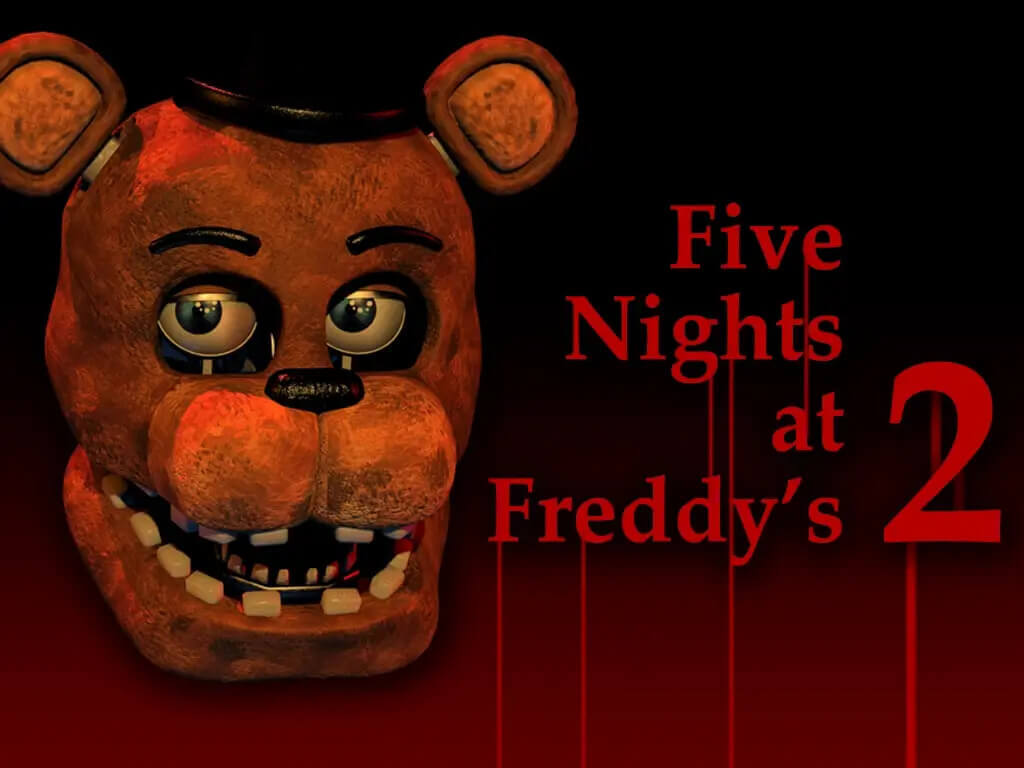
- Five Nights at Freddy's 2 - it shares the same animatronic pressure, survival timing, and quick browser play rhythm.
- Five Nights at Freddy's 3 - it shares the same animatronic pressure, survival timing, and quick browser play rhythm.