




About Zombie Area
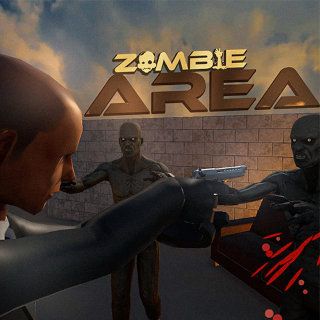
Zombie Area is a top-down survival shooter set inside a house invaded by zombies. You need to clear enemies while exploring rooms and looking for a way out. Doorways, windows and the space behind your character all matter when an attack arrives from more than one direction.
The interface provides several tools for reading the situation. A window alarm warns of an approaching zombie, the radar helps locate nearby enemies and the equipment bar shows your weapons and supplies. Combining that information with a clear route through the house makes each encounter easier to manage.
How to Play Zombie Area
Use the mouse controls to move around the house. Aim and fire with the mouse, using the circular reticle and green aiming line to judge your direction. Click a firearm in the bottom bar to select it. The medkit and grenade slots show their available supplies, while the Use control at the left of the bar performs its indicated action.
Watch the radar and window alarms as you explore. Clear nearby enemies, search the rooms and keep moving toward the exit. A doorway is useful only if you can survive the encounter on the way to it.
Practical Tips
- Check your retreat space before approaching a window with an active alarm.
- Look at the equipment counters before relying on a grenade or medkit.
- Remember which rooms you have already searched so finding the exit does not become repeated wandering.
- Use the radar to locate threats, then use the reticle to direct your attacks.
Frequently Asked Questions
Does the radar aim for me?
It helps locate nearby enemies. Use the reticle and aiming line to direct your attacks.
What is the goal?
Clear the zombies while exploring the house and searching for a way out.