



Create a Phase 9 Arrangement
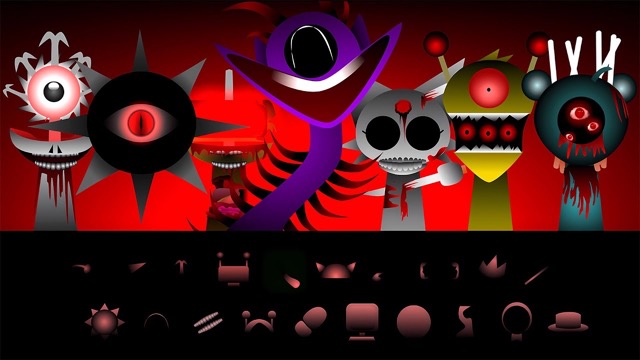
Sprunki Phase 9 combines a dark character redesign with the familiar loop-based music mixer. Assigning a sound icon changes a waiting performer and adds its part to the track. The result depends on how the parts fit together, so visual transformations are the beginning of the experiment rather than a level to clear.
How to Play
Drag an icon onto a character and listen to the resulting loop. Add a second sound that supports or contrasts with it, then continue developing the arrangement. If a new part hides the feature you want to hear, replace a performer and compare the two versions.
Focus on a Voice
Choose a vocal loop and give it a full cycle on its own. Add a rhythm that leaves the voice recognisable, then test a melody or effect. Listen to how the supporting sounds interact with the end of the vocal phrase as well as its beginning.
To make a variation, leave the voice in place and change its accompaniment. Try a simpler beat or remove a competing sound; the same featured part can feel quite different against a new background. Rebuild gradually until the track has the balance you want.
Phase 9's numbered title identifies the themed mixer. Your goal here is to explore its sounds and character presentation through your own combinations.