

Survive the Original Night Shift
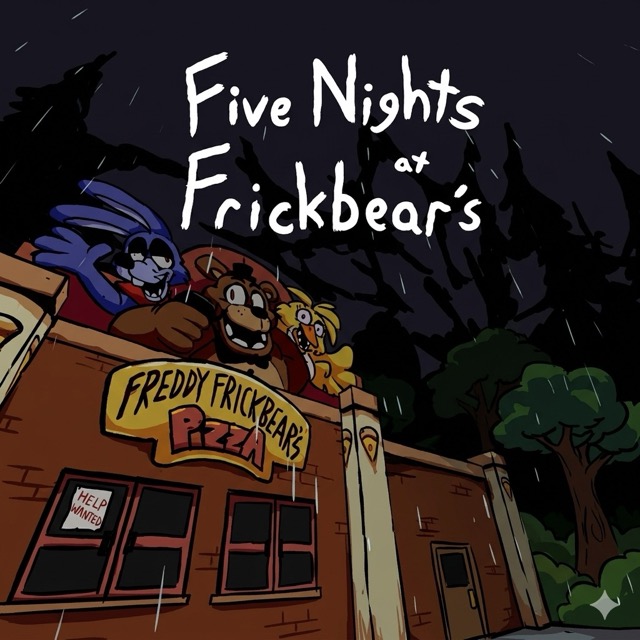
Five Nights at Frickbear's is SpookyRick's first game in the series. Your task is to survive five nights, reaching 6 AM in each one while keeping watch over the office. The job uses both keyboard controls and on-screen buttons, so knowing where each tool is before a threat arrives makes the shift easier to manage.
Learn the Office Controls
The left and right doors have separate keys. Use the door on the side where a threat approaches, then return your attention to the rest of the office. You can also look behind you, use a flashlight and switch the fan on or off. These are independent actions; checking one direction does not tell you what is happening in every other part of the room.
Move the pointer over the buttons at the bottom of the screen to use the monitor or mask. Use the monitor to inspect the pizzeria, then return to the office when you need to operate a defense. Listen as well as watch: an audio cue can help direct your next check.
Controls
| Input | Action |
|---|---|
| A | Left door |
| D | Right door |
| Space | Look behind |
| Z | Flashlight |
| X | Toggle fan |
| Hover over bottom buttons | Use monitor or mask |
Retry a Night
After a game over, wait for the password and make a note of it. Select Continue on the title screen to resume the night using that information. Taking a moment to record the password avoids losing the chance to return to the same point.
Practical Tips
- Practise the door keys and the look-behind control before multitasking.
- Listen for cues while checking the entrances.
- Learn the positions of the monitor and mask buttons.
- Record the password shown after a game over.
Is This the Same Office as Frickbear's 3?
This is the first game. Its controls and password-based continuation belong to that entry.