


About Five Nights at Freddy's in 3D
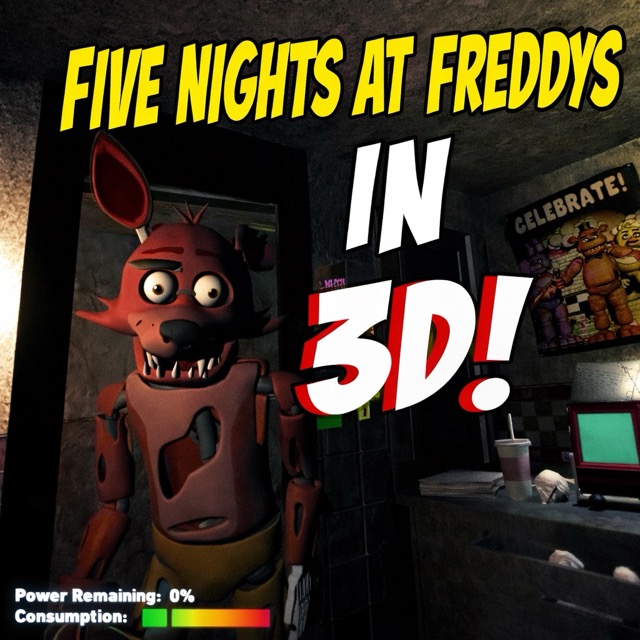
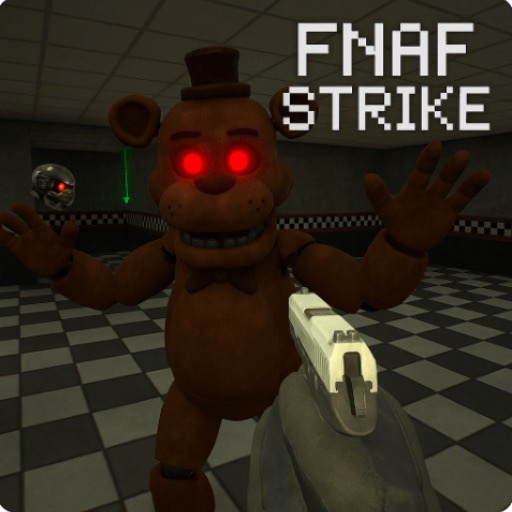
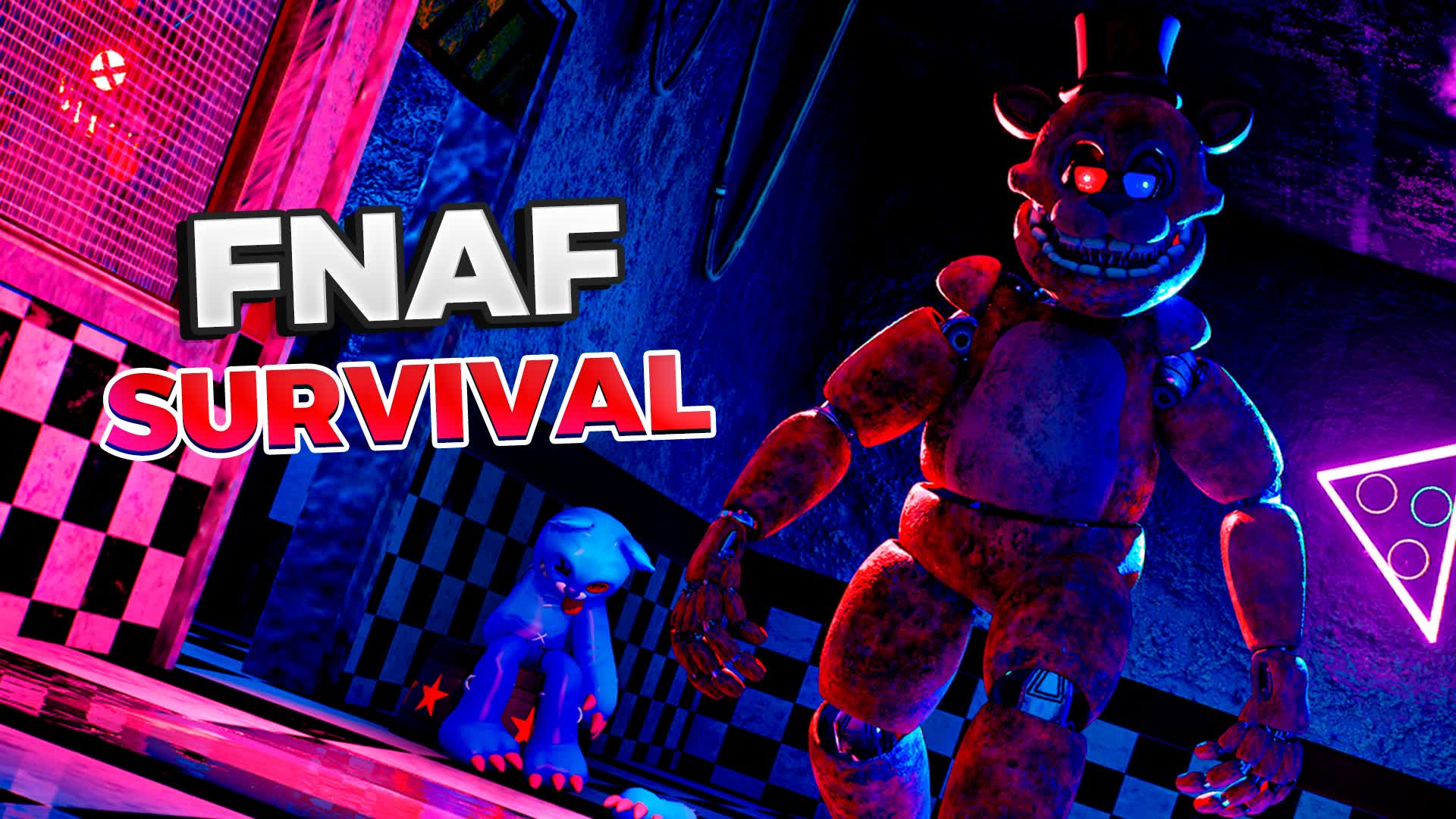
Five Nights at Freddy's in 3D presents a night shift at the pizzeria from a first-person 3D view. You still need to monitor the animatronics and defend the office until 6 AM, but moving around and reaching the equipment are part of the routine.
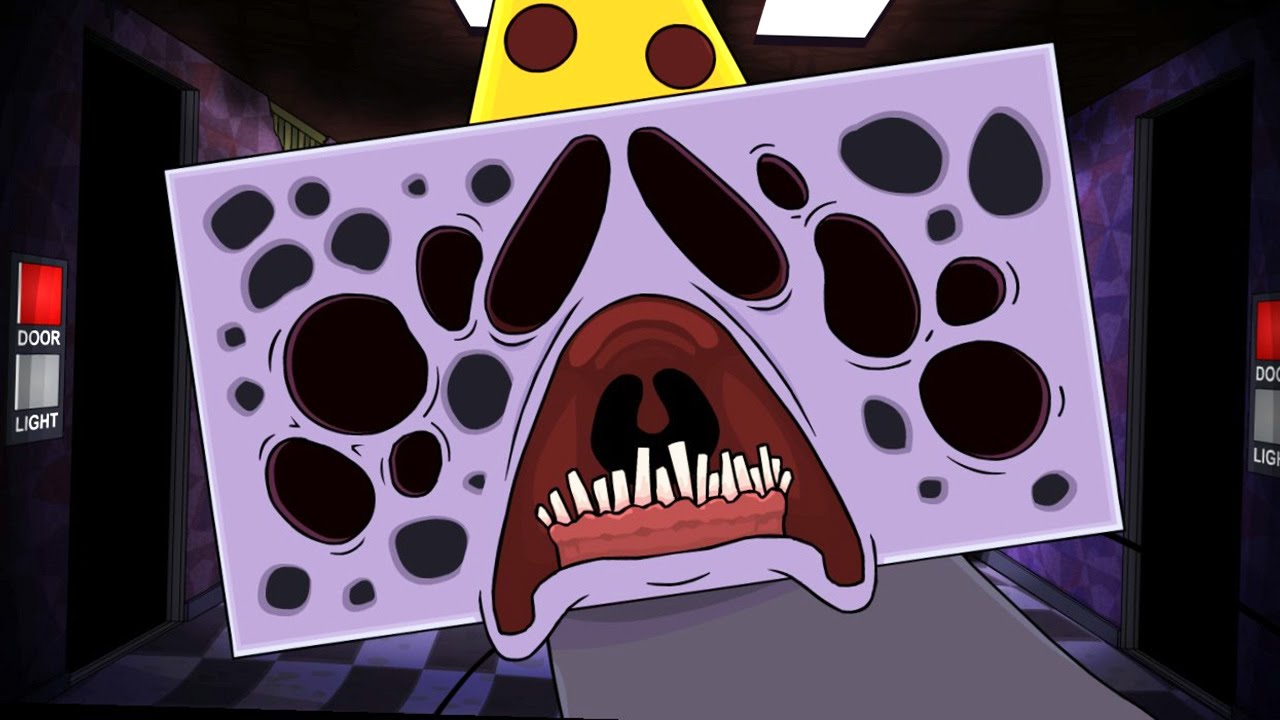
Cameras help you locate movement through the restaurant, while the office entrances require a direct response when a character gets close. Electricity limits prolonged use of the defences, so learning where the controls are helps you make each check with a purpose.
How to Play Five Nights at Freddy's in 3D
Move with WASD or the arrow keys and look with the mouse. Face an interactive object and press E to use it. F operates the flashlight, and Esc closes the camera view or pauses the game.
Use the cameras to locate an animatronic, then return to the office view and check the entrance it can reach. Operate the door when the approach becomes dangerous and release it after the entrance clears. Keep track of power as you repeat the cycle through the night.
Practical Tips
- Practise entering and leaving the camera view before the shift becomes busy.
- Learn the location of each office control so that a close encounter does not become a search for the right button.
- Connect camera rooms to the relevant entrance when following a character.
- Check the power reserve during a quiet interval and shorten unnecessary use of lights or doors.
Frequently Asked Questions
Can I move around the office?
Yes. This 3D adaptation uses keyboard movement and interaction with the equipment in the room.
What is the goal of the shift?
Track the animatronics, protect the office and survive until 6 AM.