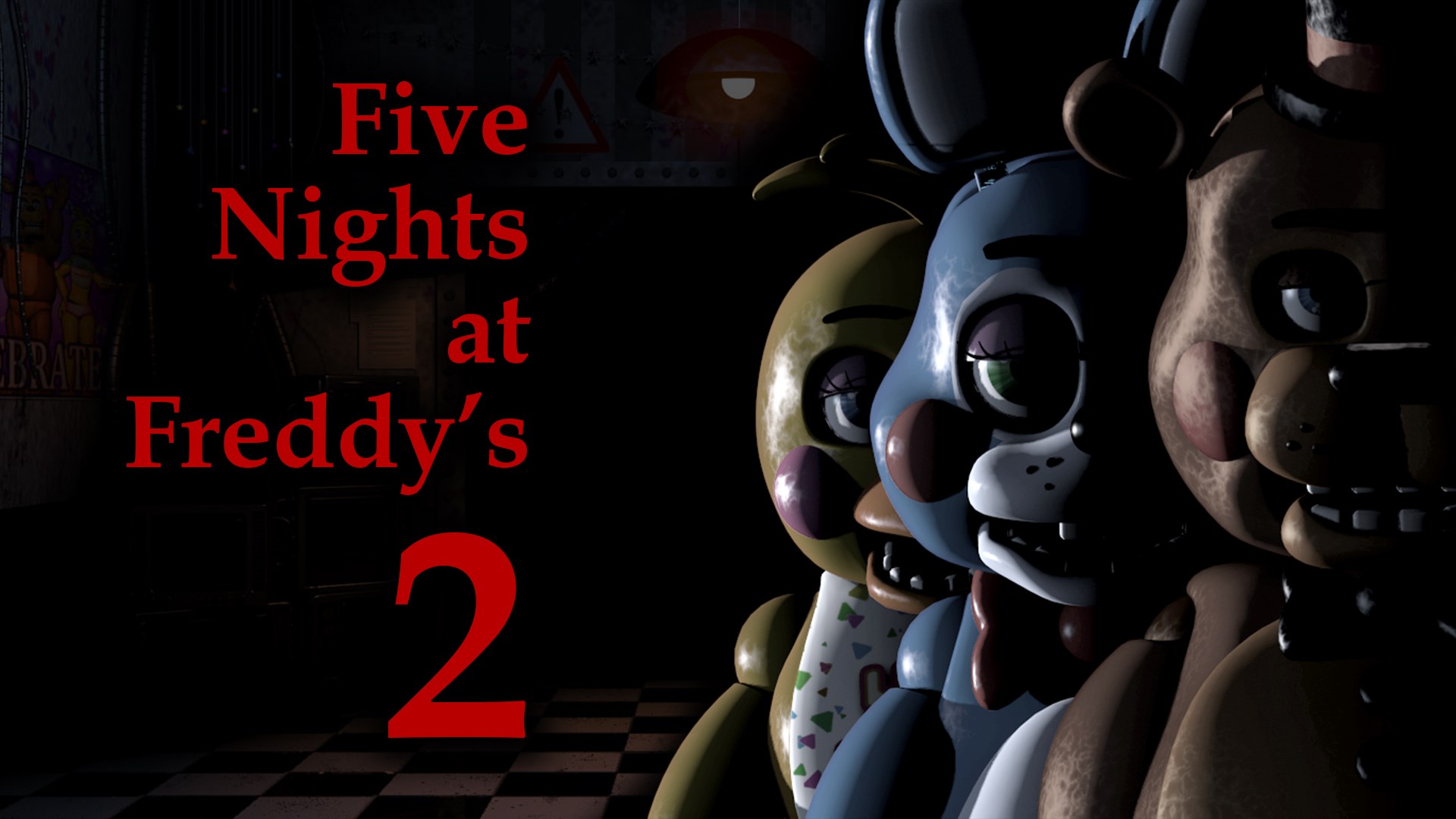






About Five Nights at Freddy's 2
FNAF 2 replaces the security doors of the first game with an exposed office and several different defensive responses. A Freddy mask can fool certain visitors, the flashlight addresses other threats, and a music box requires regular attention from the camera system.
The difficulty is keeping those jobs separate. A close visitor may demand an immediate response, but the music box continues to matter after the office becomes quiet. Watching one approach carefully is not enough if another task is left unattended.
How to Play Five Nights at Freddy's 2
Open CAM 11, the Prize Corner, and hold the on-screen winding control to maintain the music box. Return to the office to inspect the hallway and vents. Use the Freddy mask for visitors fooled by the disguise, but use Ctrl to flash Foxy in the hallway: the mask does not stop him.
After an office interruption, revisit the music box before its charge runs out and releases the Puppet. The routine is a cycle of checking, responding and returning to the background task, not a long search through every camera.
Controls
| Input | Action |
|---|---|
| Mouse / on-screen controls | Select cameras, wear the mask and operate vent lights |
| Hold the winding button on CAM 11 | Wind the music box |
| Ctrl | Use the hallway flashlight |
Mask, Flashlight and Music Box
The mask is a disguise, not a replacement for every other control. When an office visitor requires it, respond with the mask; when Foxy is in the hallway, use the flashlight. Keep the two situations distinct so that a familiar defensive action is not applied to the wrong threat.
The music box has a different role again. It is maintained through the monitor, and its charge needs attention even if the hallway is quiet. When a visitor interrupts your camera work, make a deliberate return to CAM 11 after the immediate encounter instead of assuming the previous winding will last indefinitely.
Practical Tips
- Give each camera visit a purpose. A trip to the Prize Corner maintains the music box; once that task is done, return to the office checks.
- After using the mask, check the music-box charge before becoming absorbed in a distant camera feed.
- Learn the visual situation that calls for a hallway flash separately from the one that calls for the mask.
Frequently Asked Questions
Why can a careful hallway watch still end in a loss?
The Puppet's threat is tied to the music box. Neglecting it can cause trouble independently of your hallway checks.
Can the mask replace the flashlight?
No. Foxy in the hallway needs a flashlight response; the mask is used for the visitors it can fool.