
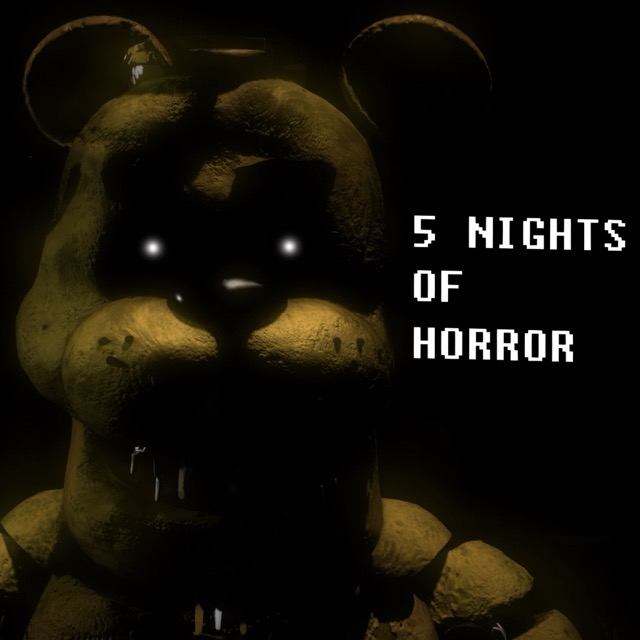




About 5 Nights of Horror!
An ordinary apartment becomes a series of nighttime emergencies in 5 Nights of Horror. Strange events can appear around the room, and each demands a particular response. Your goal is to recognise what changed and handle it quickly enough to survive until morning.
Watch the Apartment
Survey the room throughout the shift. Look at the doors, vents, light and television rather than concentrating on a single object. An unexpected opening or movement is a cue to identify the affected fixture before choosing what to do.
If a strange hand appears, turn on the light. If a door or vent opens, close it. When the television starts unexpectedly, switch it off. These events have different responses, so clicking the same control for every scare will not resolve the whole room.
Keep a Checking Rhythm
Once an event is under control, look across the remaining fixtures again. A corrected television does not tell you whether a vent has opened while you were focused on the screen. A steady sweep of the room gives you a better chance of noticing the next change.
The shift runs from midnight to 6 a.m. As you learn the game, connect each visual cue with its response: hand and light, open fixture and closure, television and switch-off. Rehearsing those pairings makes the next urgent click more deliberate.
Controls
| Input | Action |
|---|---|
| Mouse | Observe and operate room interactions |
Practical Tips
- Identify the changed fixture before clicking.
- Turn on the light for the hand; switch the television off when it starts.
- Resume checking the rest of the room after each response.
Frequently Asked Questions
Does every event require turning something off?
No. The hand calls for the light to be turned on, while the unexpected television broadcast calls for the TV to be switched off.