


Build a Defense Against Animatronics
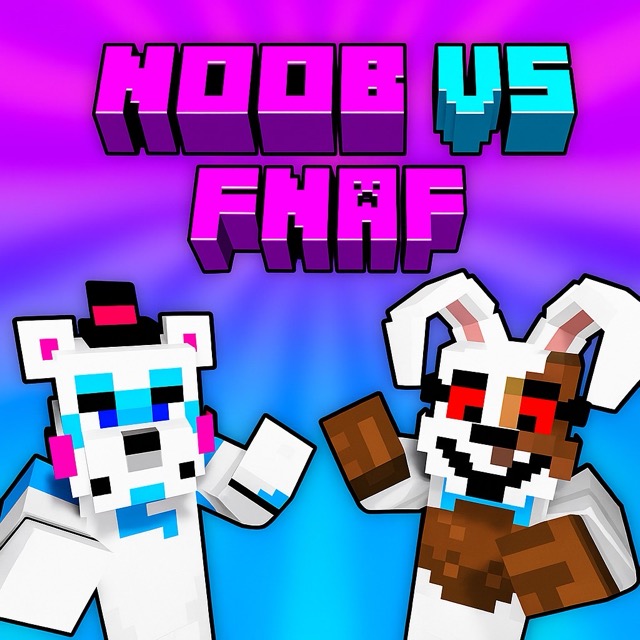
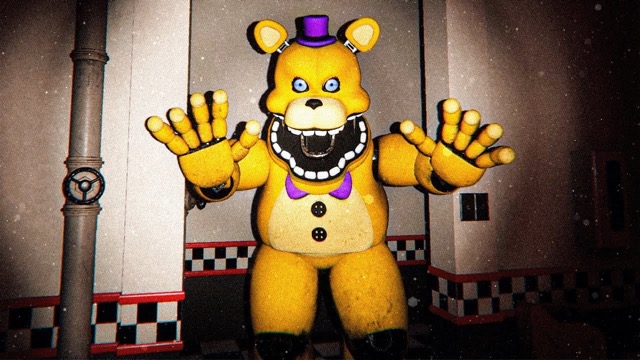
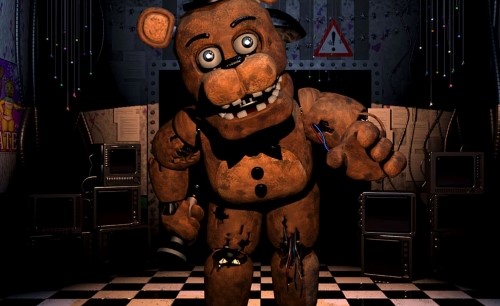
Noob vs FNAF is a wave-survival shooter with building elements. Animatronics emerge from portals, and Noob must collect resources, place defenses and fight them off. Play alone or share the keyboard with a second player to hold out through as many waves as you can.
Gather and Build
Move around the map to collect resources, then use them to strengthen your base. Turrets provide automatic fire, fences can slow or redirect an approach, and explosive objects offer another way to deal with a group. Consider where enemies are coming from before placing a structure: a barrier is most useful when it buys time on a route the wave actually uses.
Use a pause in the pressure to inspect weak points. If one side is already covered by a turret, another defense may be more useful on an exposed approach. Keep space for your own movement so the base does not trap you when an enemy reaches it.
Fight and Recover
Choose from the available firearms as the situation changes. A close group and a distant target may call for different equipment. Food restores health after damage, so watch your condition as well as the enemy wave. In two-player mode, coordinate who is gathering resources and who is covering the approach.
Controls
| Player | Move | Automatic shooting |
|---|---|---|
| Player 1 | Arrow keys | L |
| Player 2 | WASD | H |
Key bindings can be changed in the game.
Practical Tips
- Gather resources with the next wave in mind.
- Place turrets and fences where they cover a portal approach.
- Use food after taking damage.
- In co-op, tell the other player which side you are defending.
Are the Two Players Opponents?
No. Both players can cooperate against the animatronic waves.