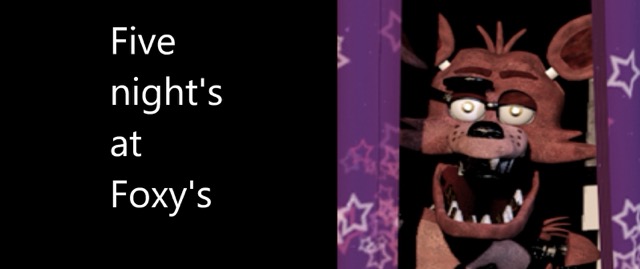
About FNAF: Night at Foxy's
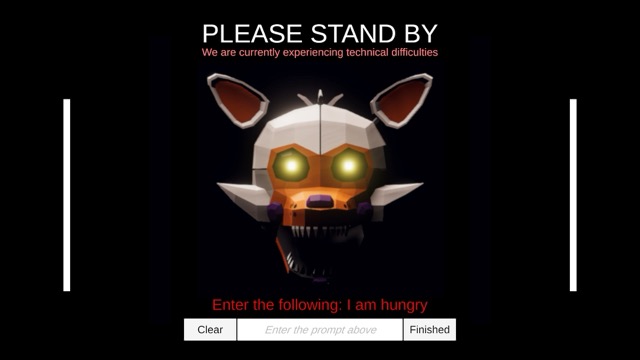
This Scratch fan game, One Night at Foxy's, asks you to identify the character at the office before choosing a defence. The Foxys respond to the flashlight, while the Mangles require the mask. A quick reaction helps only when it is the right reaction for the visitor.
The game also includes an optional homework-and-window section with its own interactions. Treat that section as a separate task: the controls used at the office do not automatically solve every problem at the window.
How to Play FNAF: Night at Foxy's
Hold Space to use the flashlight against a Foxy. For a Mangle, lower the monitor and move the pointer over the mask control at the lower left. Move the pointer away after the mask changes so the hover control does not toggle it back.
In the optional section, hover over the homework or window and hold Space to perform the relevant action. Hold the window closed on the animatronic for two seconds rather than tapping it. Return attention to the other threats after each response.
Practical Tips
- Identify whether the visitor belongs to the Foxy or Mangle group before acting.
- Move the pointer away from the mask control after switching it.
- Practise returning from one response to the remaining approaches instead of focusing on a single character.
- In the window section, keep holding the interaction long enough to complete it.
Frequently Asked Questions
Do Foxy and Mangle need the same defence?
No. Hold Space for the flashlight against the Foxys and use the mask against the Mangles.
How is the mask controlled?
With the monitor down, hover over the lower-left control to toggle it, then move the pointer away.