


FNAF: Jumpscare Simulator Overview
Most horror games ask you to manage resources, learn patterns, and survive through careful strategy. FNAF: Jumpscare Simulator has a different proposal: skip all of that and go straight to the part that makes people throw their headphones across the room.
This is a horror simulation game built entirely around the jumpscare — the single most iconic moment in the Five Nights at Freddy's experience. No cameras to monitor, no power to manage, no nights to survive. You choose an animatronic, you trigger the scene, and something comes at you. The focus is entirely on the scare itself: how each animatronic delivers it, what makes each one distinct, and whether you can hold your nerve going into a moment you know is coming but cannot fully prepare for.
That foreknowledge is part of what makes the game interesting. Knowing a jumpscare is about to happen and still flinching when it arrives says something about how effectively these characters have been designed — and the Simulator is a direct, uncluttered showcase of exactly that design. It's also genuinely accessible: no mechanics to learn, no way to fail, no experience required. Whether you're a longtime FNaF fan curious about each animatronic's individual scare, or someone who has never played a horror game and wants a low-commitment entry point to the genre, Jumpscare Simulator delivers exactly what it promises.
Key Details
- Genre: Horror Simulation / Interactive Experience
- Difficulty Level: Easy (no mechanical challenge; pure scare experience)
- Average Play Time: 5–15 minutes (depending on how many animatronics you explore)
- Best For: FNaF fans who want to experience each animatronic's jumpscare individually, newcomers to horror games, and anyone who enjoys short, sharp scares without survival mechanics
How to Play FNAF: Jumpscare Simulator
Getting Started
1. From the main menu, browse the available animatronic roster and select a character you want to face. 2. The scene activates automatically — watch and listen as the animatronic's jumpscare plays out in its own way. 3. Once the scare concludes, return to the selection screen and choose another animatronic to compare their approach. 4. Work through the full roster to experience every character's unique scare effect. 5. Revisit favorites or challenge yourself to face the ones that got you the most.
Basic Controls
- Mouse Click: Select animatronic characters from the menu and activate jumpscare scenes
- Mouse Movement: Navigate menus and selection screens
Objective: There is no win or lose state. The goal is to experience each animatronic's jumpscare, compare their effects, and find out which ones hit hardest. Face as many as you like, in any order, at your own pace.
FNAF: Jumpscare Simulator Features & Highlights
- Pure jumpscare focus — no survival mechanics, resource management, or failure states; every element exists to deliver the scare as directly as possible
- Multiple animatronics with distinct scare styles — each character delivers its jumpscare differently, making repeated plays genuinely varied rather than repetitive
- Zero learning curve — two inputs cover everything the game requires; playable immediately without any prior FNaF experience
- Short, intense sessions — individual scares take seconds, making the game well-suited for quick plays, sharing with friends, or warming up before a longer horror session
- No-pressure horror — the absence of fail states means the scare is the entire experience, without the anxiety of lost progress or starting a night over
FNAF: Jumpscare Simulator Tips & Strategies
Beginner Tips
- Use headphones if you have them. The audio component of each jumpscare is as important as the visual — the full effect lands much harder with sound delivered directly rather than through open speakers.
- Start with an animatronic you're already familiar with. Going in with prior expectations makes the gap between what you anticipated and what actually hits more noticeable, and sets a baseline for comparing other characters.
- Give yourself a moment between scares. The game has no enforced cooldown — but waiting a few seconds between activations lets the adrenaline settle and restores the edge that makes each subsequent scare effective.
Advanced Strategies
- Work through the full roster in a single session and note which animatronics generate the strongest reactions. The differences between scare styles — timing, animation speed, sound design — become clearer when compared across multiple characters in sequence.
- Challenge a friend by watching their reactions. The social dynamic of watching someone else get jumped adds an entirely different layer to the experience and often produces funnier results than facing the scares alone.
- Revisit animatronics you found underwhelming on first play. Familiarity with a scare tends to reduce its effect, but sometimes a second viewing — when you're watching more analytically — reveals the specific design elements that make each character's approach distinct.
What to Watch Out For
- Don't turn the volume down. Reduced audio makes the jumpscares significantly less effective and removes the core element that makes the experience memorable. If the volume feels too high, use lower-output speakers rather than muting — the sound design is integral to how these scares land.
- Don't rush through the roster in under a minute. Activating scares back to back without any gap between them desensitizes quickly — the scares become less effective when the adrenaline from the previous one hasn't fully cleared before the next one fires.
FNAF: Jumpscare Simulator Elements Explained
Jumpscare Design: The jumpscare is the entire product of this simulator, and understanding what makes a good one reveals why different animatronics feel different even within the same game. Three elements combine to produce the effect: visual approach speed (how fast the animatronic closes the distance between its spawn position and the screen), audio intensity (the volume, pitch, and timing of the accompanying sound), and anticipation management (how much visual or audio warning the game gives before the moment of impact). Some animatronics in the simulator maximize the gap between activation and scare, letting tension build briefly before the impact. Others go nearly instantaneous. The variety means that even players who have experienced the full roster retain genuine uncertainty about when exactly the moment will arrive — which is what keeps the simulator effective on repeated plays.
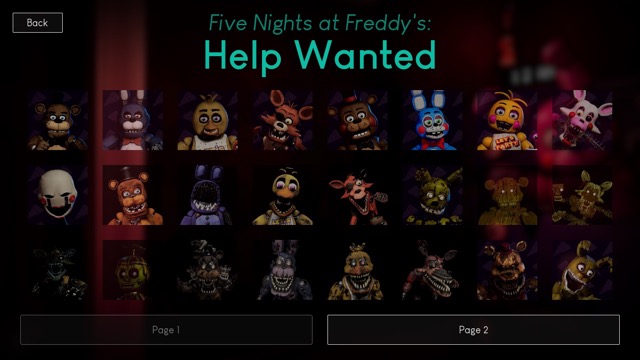
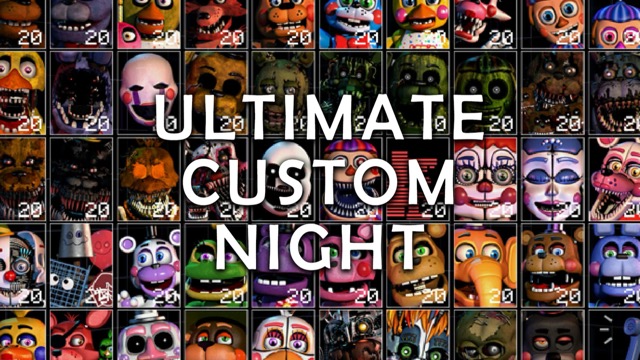
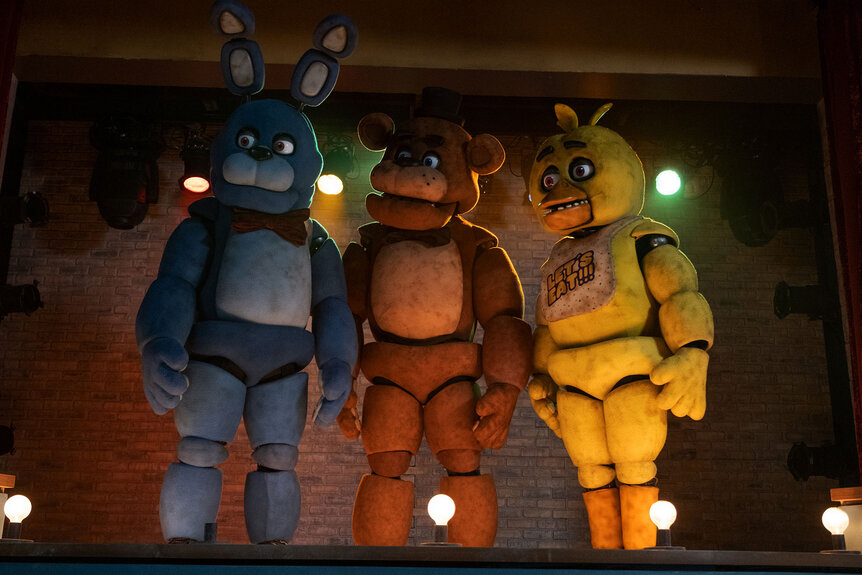
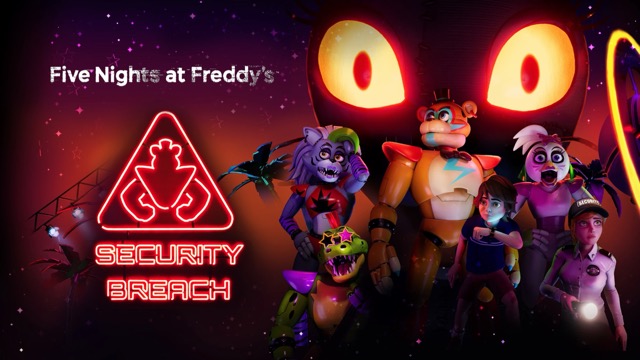
Animatronic Roster: The simulator features multiple animatronics drawn from the FNaF universe, each designed with a distinct visual identity and scare delivery method. Freddy's approach tends to be deliberate — a moment of recognition before the impact. Foxy brings speed and energy, less anticipation and more kinetic shock. Other characters have their own specific combination of timing, animation style, and audio design that gives each scare a different texture. Exploring the full roster reveals the design thinking behind each character: which elements were chosen to maximize fear, which create recognition before impact, and which rely purely on speed to catch the player before conscious awareness catches up.
Accessibility as Design Philosophy: FNAF: Jumpscare Simulator's stripped-down format is a deliberate choice with a specific audience in mind. The full FNaF experience requires learning mechanics, managing multiple systems, and tolerating repeated failure — barriers that make the games inaccessible to players who want the horror experience without the strategy layer. The simulator removes all of those barriers without removing the thing that made FNaF culturally significant: the jumpscares themselves. Two inputs, no fail states, sessions measured in seconds per scare — it's the franchise's most accessible entry point and a legitimate standalone experience for anyone whose interest in FNaF is specifically about the fear rather than the survival game around it.
FNAF: Jumpscare Simulator Frequently Asked Questions
Q: How do I trigger a jumpscare?
A: Select an animatronic character from the menu using the mouse, then click to activate the scene. The jumpscare plays automatically once triggered — no additional input is required.
Q: Can I fail or lose in Jumpscare Simulator?
A: No — there are no fail states, health systems, or game-over conditions. The simulator has no win or lose outcome; the experience is entirely about facing each scare and exploring the full animatronic roster.
Q: Is this game suitable for players who've never played a FNaF game?
A: Yes — Jumpscare Simulator requires no prior knowledge of the FNaF series and no gaming experience beyond clicking a mouse. It's the most accessible entry point in the entire FNaF catalog.
Q: How many animatronics are available?
A: The simulator features multiple animatronics from the FNaF universe. The exact roster is visible on the character selection screen at the start of each session.
Q: Can I replay the same animatronic's jumpscare?
A: Yes — return to the selection screen after any scare and choose the same character again. Replaying scares you found particularly effective, or ones you want to analyze more closely, is entirely supported by the format.
Games Like FNAF: Jumpscare Simulator You Might Enjoy
If you like FNAF: Jumpscare Simulator, you might also enjoy:
- FNAF Shooter - it shares the same animatronic pressure, survival timing, and quick browser play rhythm.
- FNAF Strike - it shares the same animatronic pressure, survival timing, and quick browser play rhythm.
- FNAF Shooter 2 - it shares the same animatronic pressure, survival timing, and quick browser play rhythm.