

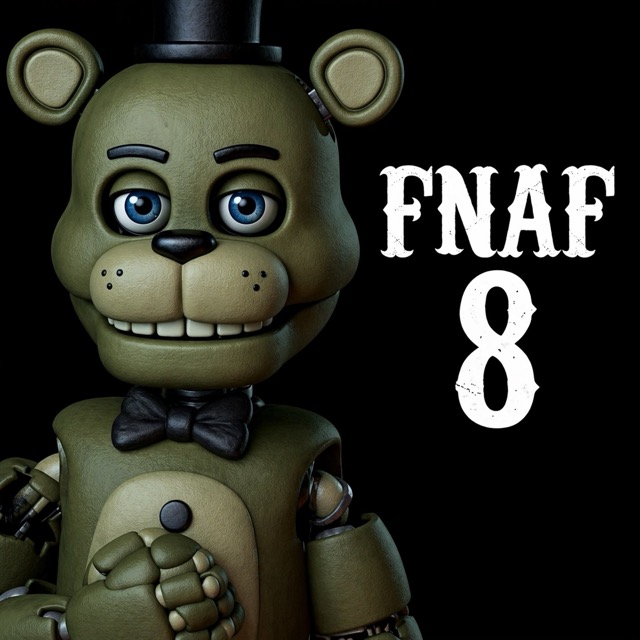


About Five Nights at Freddy's: Bed Monsters
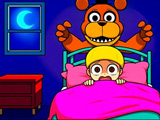
Bed Monsters reverses the familiar bedroom scare: you play as an animatronic entering the room rather than the child trying to survive. Click to fill a scare meter, collect screams and use them to unlock more characters. Each character also contributes parts for assembling a custom monster.
Fill the Scare Meter
Choose an available door to enter the room. Once inside, click the screen to fill the meter and collect screams from the child. The screams become the currency for your next unlock, so each encounter feeds back into the collection rather than ending with a night-shift survival score.
After an encounter, look at the available animatronics and decide which unlock to work toward. Return through a door to gather more screams if you need them for the character you want.
Assemble Your Own Monster
New animatronics add body parts to the customisation menu. Open the assembly options after an unlock and inspect the pieces now available. Combining parts lets you create a different robot monster using what you have collected.
Think of the loop as two related activities: encounters earn screams, and unlocks expand the selection of parts. If your goal is a particular combination, check the available pieces before spending the next batch of screams.
Controls
| Input | Action |
|---|---|
| Mouse click | Fill the meter and choose unlocks |
Practical Tips
- Check which character you want before spending saved screams.
- Visit the assembly menu after an unlock to see the newly available parts.
- Return to an encounter when you need more screams for another character.
Frequently Asked Questions
Am I defending the bedroom as the child?
No. You enter as an animatronic and use scares to build a collection and unlock customisation parts.