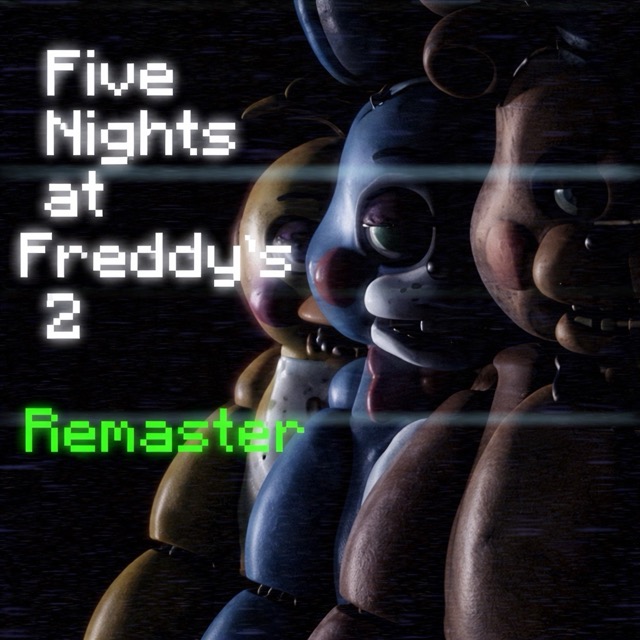

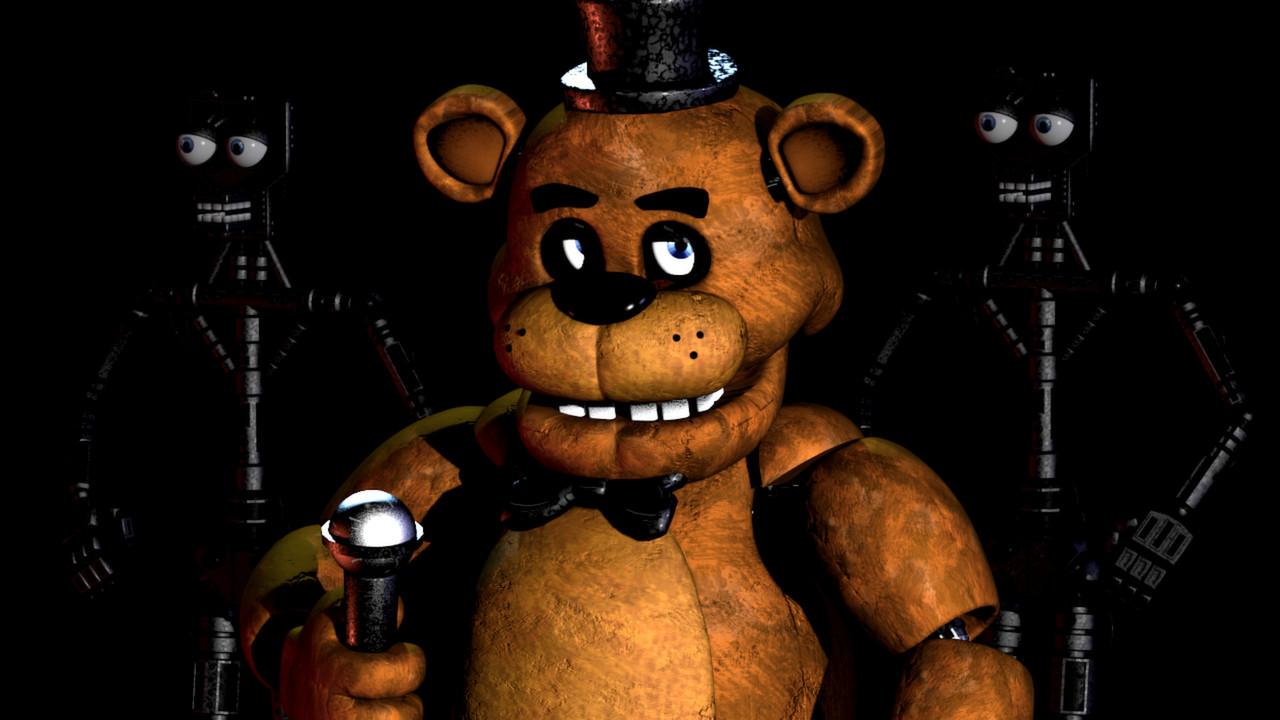

About Five Nights at Freddy's 2 Remaster
This fan reworking revisits FNAF 2's exposed office, camera system and competing defensive tasks. There are no security doors to hold shut. Instead, the guard uses a Freddy mask for office visitors, a flashlight for the hallway and the monitor to manage surveillance and the music box.
The pressure comes from switching between tasks without abandoning one for too long. A response that addresses an animatronic in the office does not also wind the music box; likewise, watching the monitor leaves the office itself out of view.
How to Play Five Nights at Freddy's 2 Remaster
Use the mouse to operate the monitor, mask and music-box interface. Check the Prize Corner and keep the music box wound, then return to the office to inspect its approaches. Hold Ctrl to use the flashlight on Foxy in the hallway. When an office visitor requires the disguise, use the Freddy mask instead.
After an interruption, return to the music box before spending a long period looking through distant feeds. The Puppet's music box is a continuing responsibility, even when the most visible danger is somewhere else.
Controls
| Input | Action |
|---|---|
| Mouse | Operate the camera, mask and music-box interface |
| Hold Ctrl | Use the flashlight |
Choosing the Right Response
Treat the monitor, mask and flashlight as different tools. The monitor provides information and access to the music box; it does not replace an office response. The mask is a disguise for the visitors it can fool, while Foxy in the hallway calls for the flashlight. Wearing the mask is therefore not a universal answer to every character.
If the monitor is raised, decide what you need from it before browsing. A short visit to the Prize Corner has a specific purpose: maintain the music box, then return to checking the office. The aim is to keep the background task under control while remaining ready for a direct encounter.
Practical Tips
- Practise moving from the monitor to the mask and flashlight controls so an office response does not become a search for the right button.
- Revisit the music box after an office interruption. Handling one visitor does not remove the Puppet's separate threat.
- Learn which visible situation calls for which tool; a hallway check and an office encounter are different decisions.
Frequently Asked Questions
Is the Freddy mask enough for Foxy?
No. Use the hallway flashlight for Foxy; the mask serves a different defensive purpose.
Is this an official remaster?
No. This fan-developed reworking uses mouse controls for the office interface and Ctrl for the flashlight.