





About Five Nights at Freddy's: Forgotten Secrets
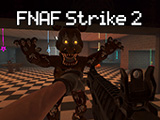
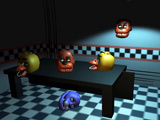
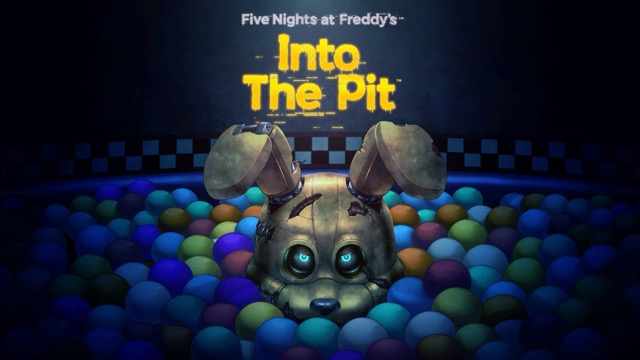
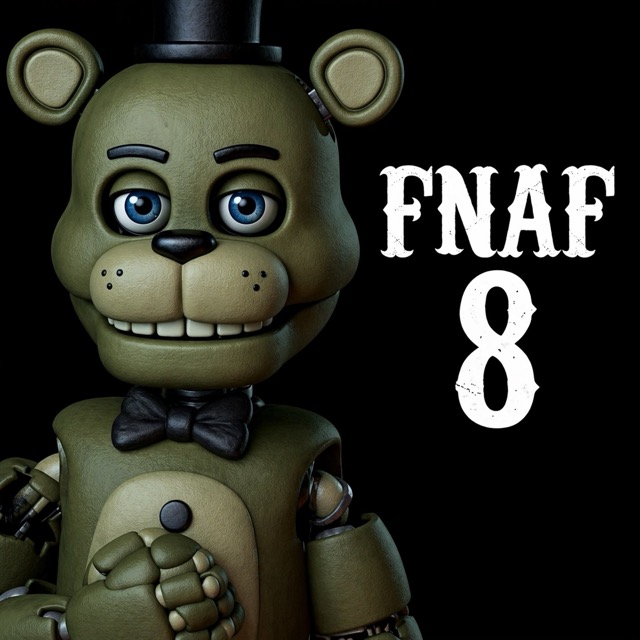
Forgotten Secrets uses Five Nights at Freddy's characters in a picture puzzle. Instead of monitoring cameras or defending an office, you rearrange tiles until the scrambled image is complete. Each finished picture leads to another featuring animatronics, so the next challenge begins with a new image to recognise.
Reconstruct the Picture
Look across the tiles before making the first move. A face, a distinctive colour or a clear background edge can help you identify pieces that belong next to one another. Move tiles to build a recognisable section, then use that section as a reference for the surrounding pieces.
The relation between neighbouring tiles matters: a piece may have the right colour but belong on the opposite side of the picture. Compare the lines and shapes along its edges with the adjacent pieces before deciding where it fits.
Keep Progress While Moving Tiles
When a group of pieces is in the right arrangement, think about the next move before disturbing it. You may need to move pieces around to reach a new position, but knowing which section you have already assembled makes it easier to put that group back together.
Completing a picture advances to the next animatronic image. Treat the new picture as a fresh puzzle and look for another clear feature rather than assuming the same arrangement will work again.
Controls
| Input | Action |
|---|---|
| Mouse | Select and move puzzle tiles |
Practical Tips
- Start with a recognisable feature or edge.
- Compare both sides of a proposed tile connection.
- Plan how to preserve a completed section while moving the next piece.
Frequently Asked Questions
What happens after a picture is completed?
Another animatronic picture appears for you to rearrange.