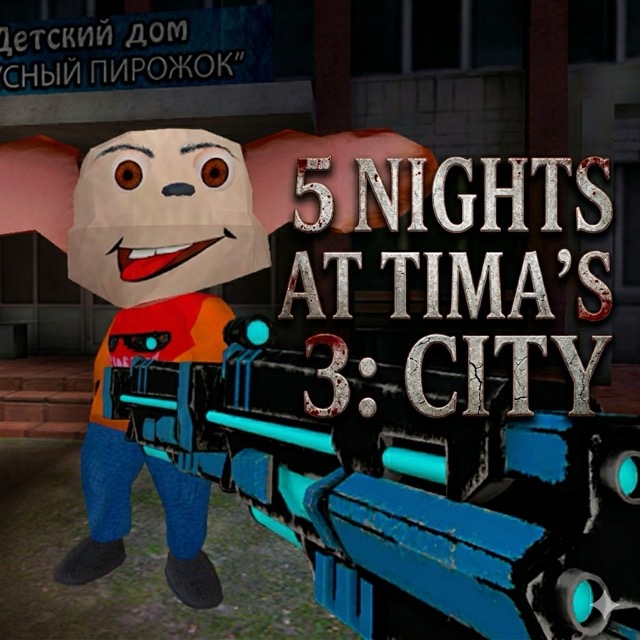

About 5 Nights at Tima's 3: City
Tima's third adventure takes the conflict to Psinograd, where an army of clones threatens the Barboskins. You can choose between two modes: a security-desk experience based on watching the visitors, or a first-person shooting game in which the Kid uses a pie gun. The choice changes both your position and your immediate task.
Security-Desk Mode
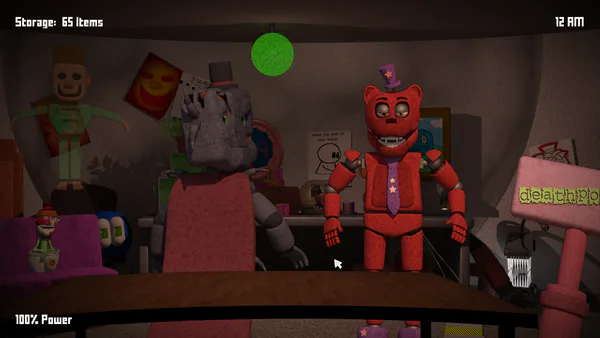
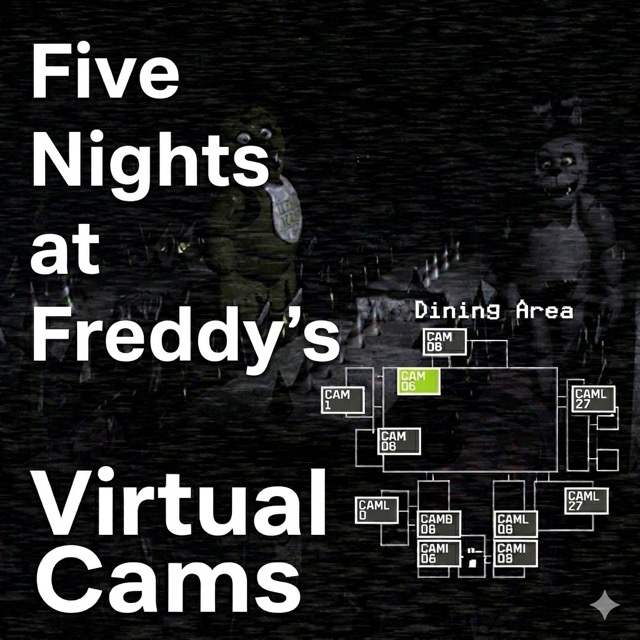
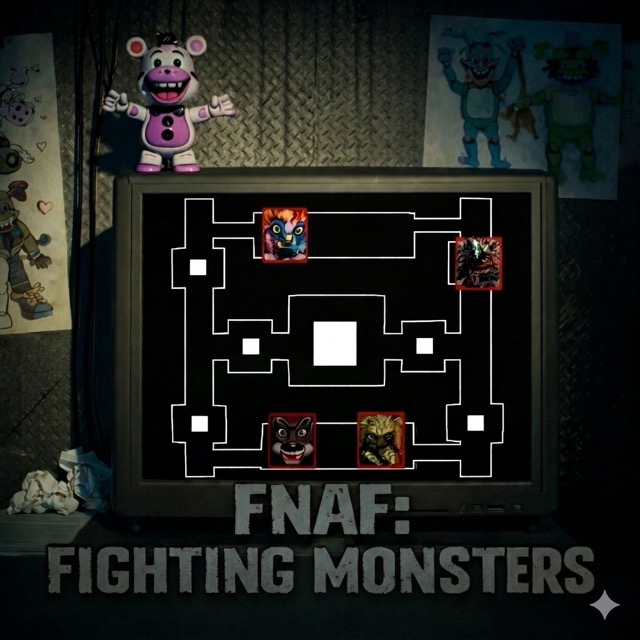
Choose the desk mode to monitor the enemies through camera views. Watch where visitors are moving and use the available interactions to offer cakes and tea. The camera gives you information about the approach; the desk interaction is your response to the visitor.
Use a consistent order when checking the views so you can notice movement between visits. After attending to one character, look back at the other areas instead of leaving the surveillance unattended while the next visitor approaches.
Pie-Gun Mode
In the shooting mode, control the Kid directly. Move with WASD or the arrow keys, aim with the mouse and fire pies with the left mouse button. Space lets you jump, while Esc pauses the game.
Keep room to reposition when clones approach. Choose a clear path before focusing on the next target, and move away if a group begins to crowd the position. This mode asks for movement and aiming; it is selected separately from the security desk.
Controls
| Input | Action |
|---|---|
| Mouse | Security-desk interactions; aim in shooting mode |
| WASD or arrow keys | Move in shooting mode |
| Left mouse button | Fire the pie gun |
| Space | Jump |
| Esc | Pause |
Practical Tips
- Learn the selected mode's controls before starting its challenge.
- At the desk, use camera movement to decide which visitor needs attention.
- In the shooting mode, keep an open route for repositioning.
Frequently Asked Questions
Do I switch between the desk and shooting during one round?
The game offers them as two selectable modes. Choose the desk for surveillance or the Kid's mode for pie-gun combat.