




About Five Nights in the Warehouse
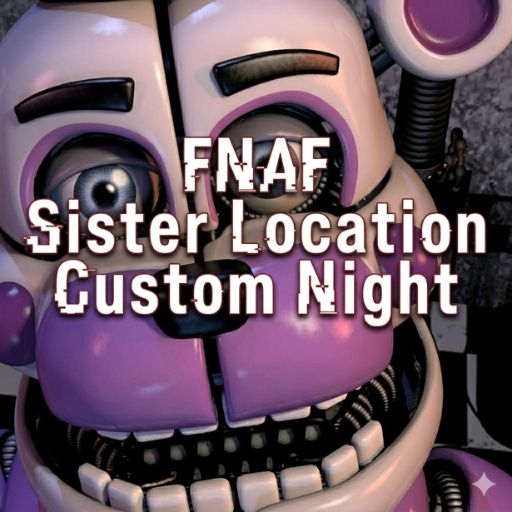
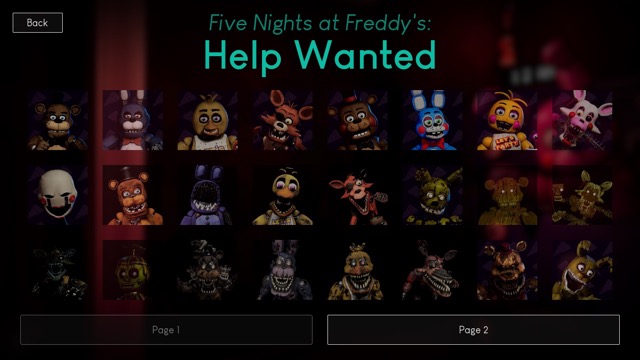
Warehouse errands share a night shift with several animatronics requiring different responses. Foxy is handled with a flash, Molten Freddy uses ventilation, and other appearances call for a mask or tablet action. Completing the work and keeping those rules straight are connected demands.
How to Play Five Nights in the Warehouse
Read the night's errand and work on it between threat checks. Use the flash against Foxy and block Molten Freddy's vent route. Check each visitor's mask or tablet instruction, respond to the approach and resume the unfinished errand.
Controls
| Input | Action |
|---|---|
| Mouse | Interact |
| Ctrl | Flash |
Match the Visitor to the Response
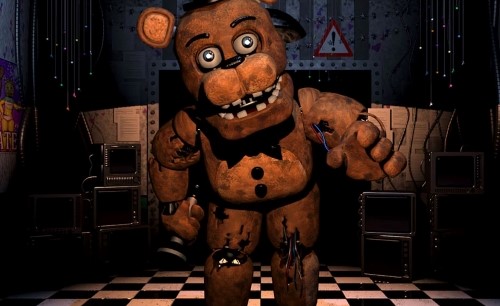
Foxy calls for the flash, while Molten Freddy travels through ventilation and can be stopped by blocking the route with the tablet. Golden Freddy's appearance calls for raising the tablet; when Broken Bonnie appears in the office, use the mask. Keep these actions separate, because the visible character determines which tool matters.
Work Between Interruptions
The shift also contains assigned errands. Read the current job, complete a useful part of it and make a mental note of what remains before checking for a threat. After a defensive response, return to the unfinished task instead of searching the warehouse again without an objective. Finishing the jobs is part of ending the shift; watching the clock alone is not enough.
Practical Tips
- Keep the current errand separate from the threat checklist so an interruption does not make you restart the job search.
- Match the visible character to its response before acting; the warehouse does not use one defence for every visitor.
Frequently Asked Questions
Is waiting for a clock enough to finish a shift?
No. The night's assigned errands also need to be completed while its threats are managed.