






Live FNAF3.io

Backrooms Butcher

Play Backrooms Butcher online free on fnaf3.io with instant browser access, fullscreen support, and no download.

Browser Instant Play Backrooms - Shooter
FNAF Games See all
Backrooms Butcher Game Description
Backrooms Butcher gameplay

Backrooms Butcher Game Overview

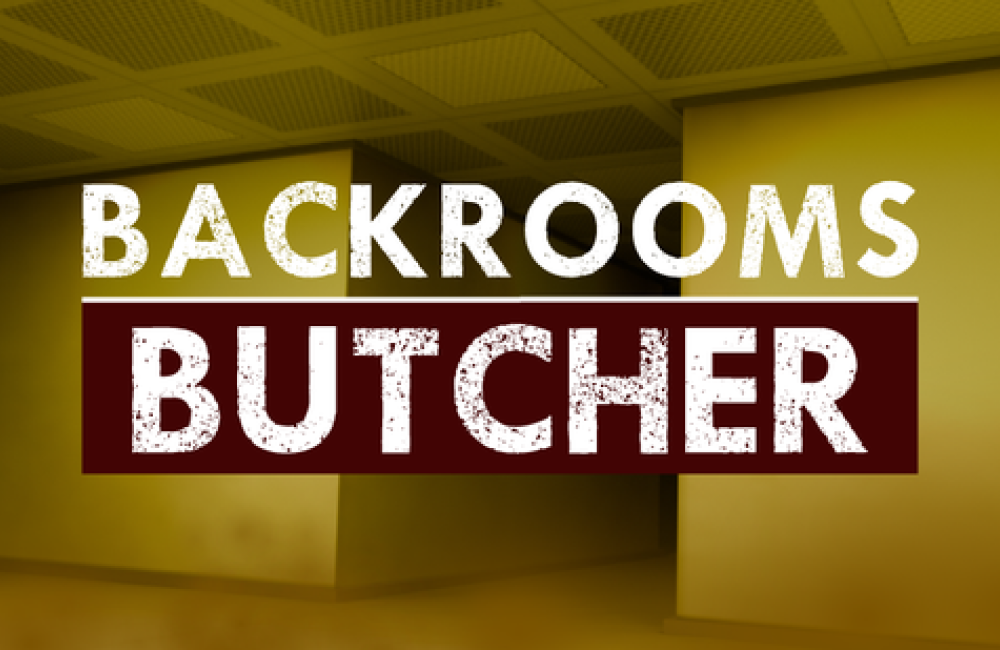
Backrooms Butcher is an action shooter browser game set in the looping, fluorescent corridors of the Backrooms. The central setup is straightforward: Boost your bravery to the limit and step into Backrooms Butcher, a thrilling horror get out game. That premise gives the game a clear hook: familiar horror imagery is tied to an immediate, playable objective instead of being used only as decoration.

The result is easy to understand at the start, while the pressure comes from reading the environment and deciding what deserves attention first. The opening instructions establish the first practical priority: Escaping Backrooms Butcher starts with choosing a suitable loadout before entering the maze . Rather than rewarding blind speed, the game works best when you learn its feedback, recognize the safest sequence of actions, and recover quickly after a mistake.

That structure makes each attempt useful: even a failed run can reveal a route, enemy behavior, timing window, or interaction that improves the next attempt. What makes Backrooms Butcher appealing is its focused combination of action shooter mechanics and horror presentation. It can be played directly in a modern browser, the goal is visible within the first few minutes, and the short attempt structure encourages experimentation. It is especially well suited to action-horror fans comfortable with keyboard-and-mouse combat, particularly those who prefer learning through practical retries instead of long tutorials.

Key Details

  • Genre: Action Shooter
  • Difficulty Level: Medium to Hard
  • Average Play Time: 10–25 minutes
  • Best For: Action-horror fans comfortable with keyboard-and-mouse combat

How to Play Backrooms Butcher

Getting Started

  • Learn the movement and aiming controls in the safest opening area.
  • Locate the first weapon, ammunition, or objective marker before pushing deeper.
  • Keep moving while attacking so nearby threats cannot surround you.
  • Clear the required enemies or reach the marked exit to finish the stage.

Basic Controls

Action: Key/Input

Move around the maze: WASD/Arrow Keys

Direct your camera and aim: Mouse Cursor

Take action with your weapon: Left Click

Numpads: Switch to another available weapon

Objective: Complete the combat objective and stay alive by balancing accurate attacks, movement, and available supplies.

Backrooms Butcher Game Features & Highlights

  • Direct first- or third-person combat
  • Horror enemies and tense spaces
  • Weapon or tool variety
  • Movement-based survival
  • Escalating encounter pressure

Backrooms Butcher Tips & Strategies

Beginner Tips

  • Aim before firing so limited ammunition is not wasted.
  • Use doorways and corners to limit how many enemies can approach.
  • Reload or switch tools during quiet moments.

Advanced Strategies

  • Strafe while keeping the camera centered on the largest threat.
  • Create distance before handling objectives that lock you into an animation.
  • Treat the original instructions as a rules reference, then refine one part of your route or timing after each failed attempt.

What to Watch Out For

  • Avoid staying focused on one object or threat so long that the rest of the play area goes unchecked.
  • Do not repeat the same failed approach at full speed; slow down, identify the missing cue, and change one decision.

Backrooms Butcher Game Elements Explained

Movement and Threat Control: In Backrooms Butcher, the movement and threat control is the part of the design that turns a simple objective into a repeatable challenge. It is centered on controlling space while keeping the main objective in view, and every decision becomes more important because the action unfolds in the looping, fluorescent corridors of the Backrooms. The system matters most when several small problems overlap: an unchecked route, a mistimed input, or a missed clue can remove the margin needed for the next step. Use it effectively by establishing a consistent routine before trying to play faster. Identify the information the game gives you, act on the most urgent signal, and then return to a neutral position where you can read the next change. This approach is safer than committing to one task for too long, especially when the game increases pressure without clearly announcing it. The same system also connects to timing, positioning, and recovery; progress becomes reliable only when those two layers support each other. On early attempts, focus on understanding cause and effect rather than reaching the end immediately.

Progression and Encounter Pressure: In Backrooms Butcher, the progression and encounter pressure is the part of the design that turns a simple objective into a repeatable challenge. It is centered on clearing objectives as hazards become harder to manage, and every decision becomes more important because the action unfolds in the looping, fluorescent corridors of the Backrooms. The system matters most when several small problems overlap: an unchecked route, a mistimed input, or a missed clue can remove the margin needed for the next step. Use it effectively by establishing a consistent routine before trying to play faster. Identify the information the game gives you, act on the most urgent signal, and then return to a neutral position where you can read the next change. This approach is safer than committing to one task for too long, especially when the game increases pressure without clearly announcing it. The same system also connects to resource use and route knowledge; progress becomes reliable only when those two layers support each other. On early attempts, focus on understanding cause and effect rather than reaching the end immediately.

Backrooms Butcher Frequently Asked Questions

Q: How do I complete the main objective in Backrooms Butcher?

A: Follow the opening prompts, use the controls listed above, and complete each required action in order. If a route or interaction remains locked, search the current area for an unfinished clue, target, or prerequisite.

Q: What should I do if I keep failing in the same place?

A: Use one attempt to observe the exact cue that appears before failure. On the next run, approach more slowly, keep a safe route available, and change only the response connected to that cue.

Q: Is this game compatible with mobile devices and modern browsers?

A: Desktop play is recommended because the original controls use keyboard and mouse inputs. Chrome, Edge, Firefox, and Safari are the safest browser choices, and fullscreen mode can make small visual cues easier to read.

Q: Can I save my progress?

A: Save behavior depends on the embedded game build. Some versions store progress in browser storage, while others keep it only for the current session. Avoid clearing site data if you want to preserve a locally stored save.

Q: How do I unlock later stages, characters, or features?

A: Complete the current objective and check the stage, upgrade, or selection screen after the result appears. Not every build includes unlockable content; when no locked option is shown, the main goal is improving completion time, accuracy, or survival consistency.

If you like Backrooms Butcher, you might also enjoy:

Comments (0)
Sort by Newest
Add a Comment