




Watch for Anomalies
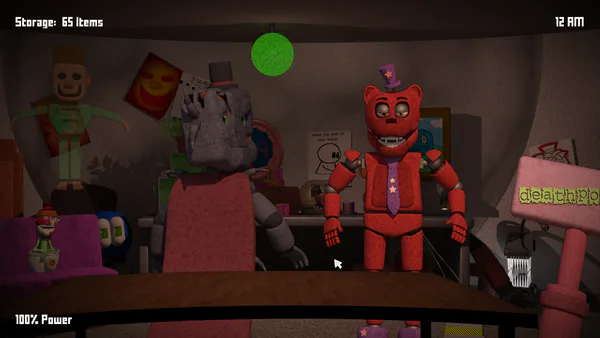
In the browser demo of Robot Invader's Seeing Things, you watch camera feeds for anomalies: unfamiliar presences, altered objects and things that have moved or disappeared.
Learn the Camera Views
Switch between cameras with the keyboard arrow keys or the arrows on screen. On your first circuit, give each view a few reference points: a picture on the wall, the position of a chair, or an empty patch of floor. Those details make it easier to recognise a change on the next pass.
Scan the entire view instead of watching only the most obvious object. Compare an item's position as well as its appearance. A familiar object in a different place can be just as important as an entirely new shape.
Report What You Find
When you see an anomaly, click the changed object or presence in the camera image to report it. Spotting the change and reporting it are separate steps. After reporting, continue your circuit through the other views so that one room does not absorb all your attention.
A consistent camera order gives you a practical way to compare the same rooms repeatedly. If you are unsure where to start looking, check the reference points you chose on the first pass, then scan the rest of the image for smaller differences.
Controls
| Input | Action |
|---|---|
| Arrow keys | Switch camera views |
| On-screen arrows | Switch camera views |
| Mouse click | Report a visible anomaly |
Practical Tips
- Notice empty spaces as well as objects when learning a room.
- Compare positions before assuming a familiar item is unchanged.
- Report a discovery before moving to the next camera.
- Follow a regular camera order to keep each view in your routine.
Is Every Anomaly an Intruder?
No. Changes can involve objects and their positions as well as new presences in a scene.